Installation and usage
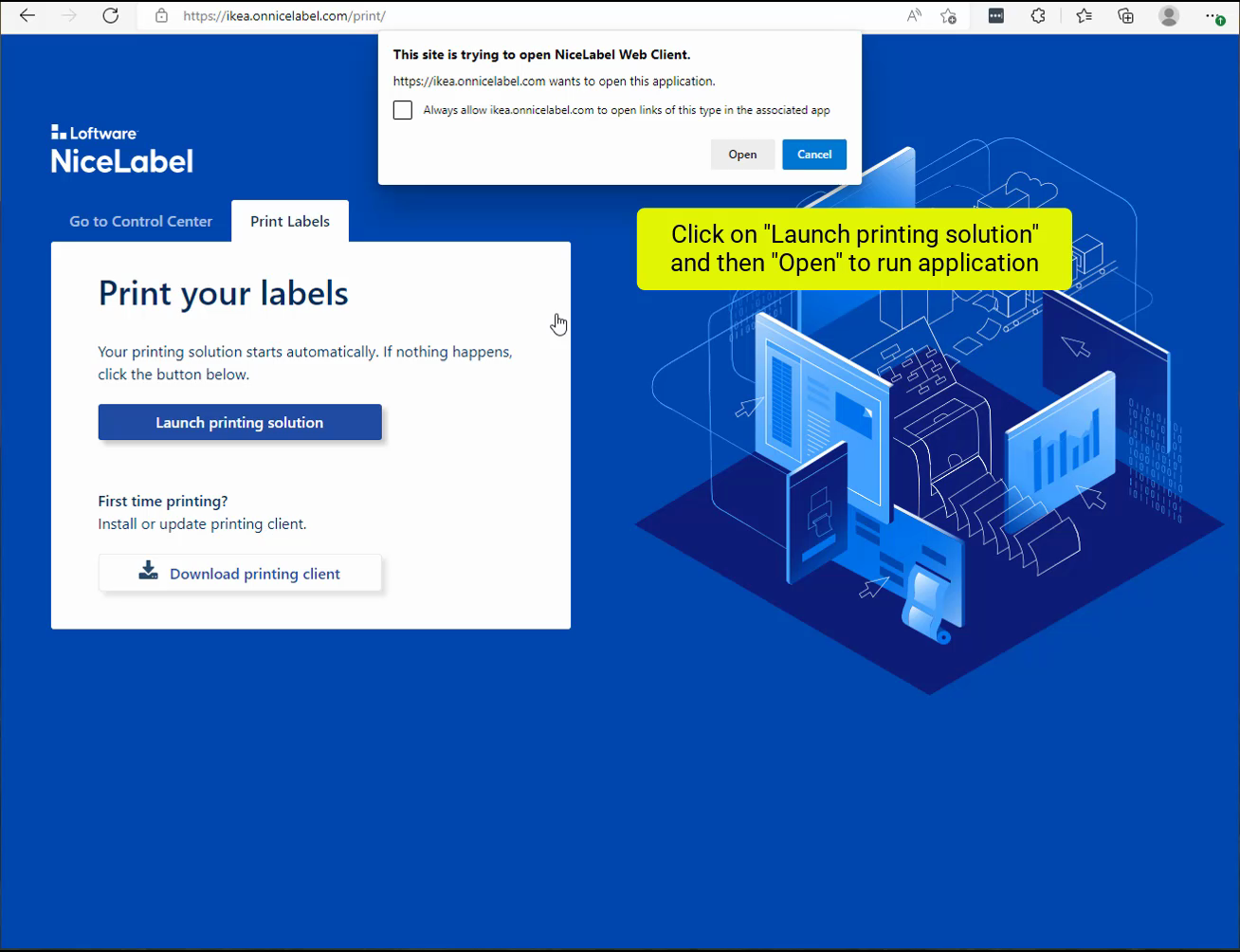
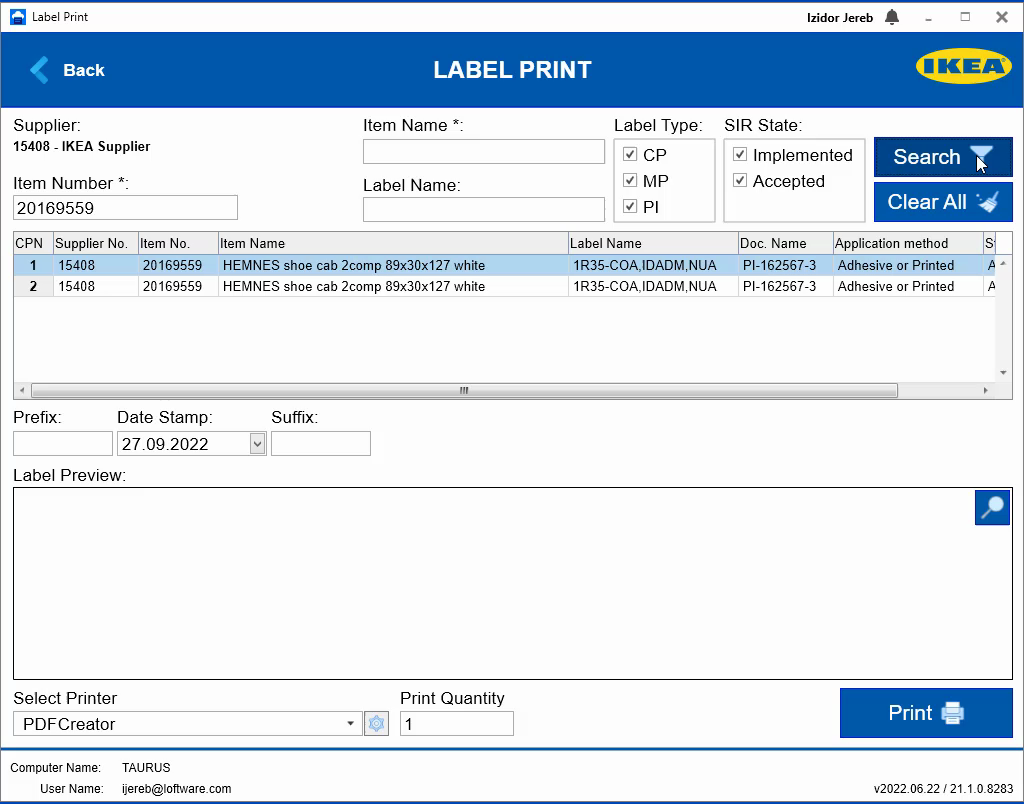
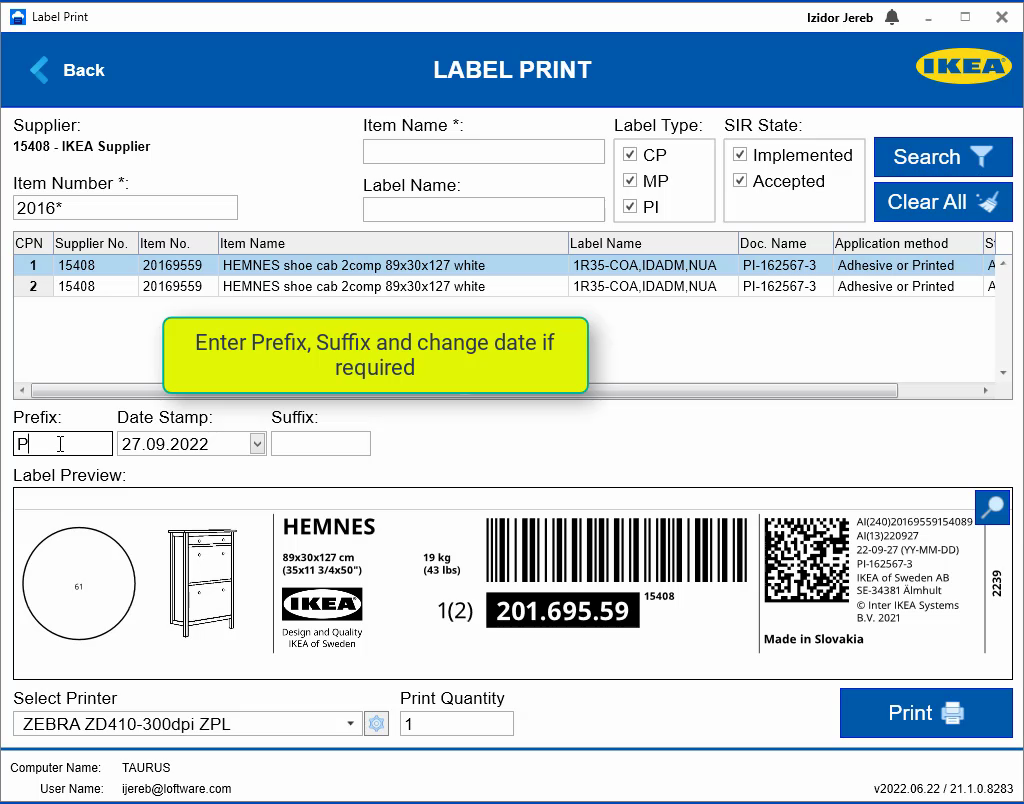
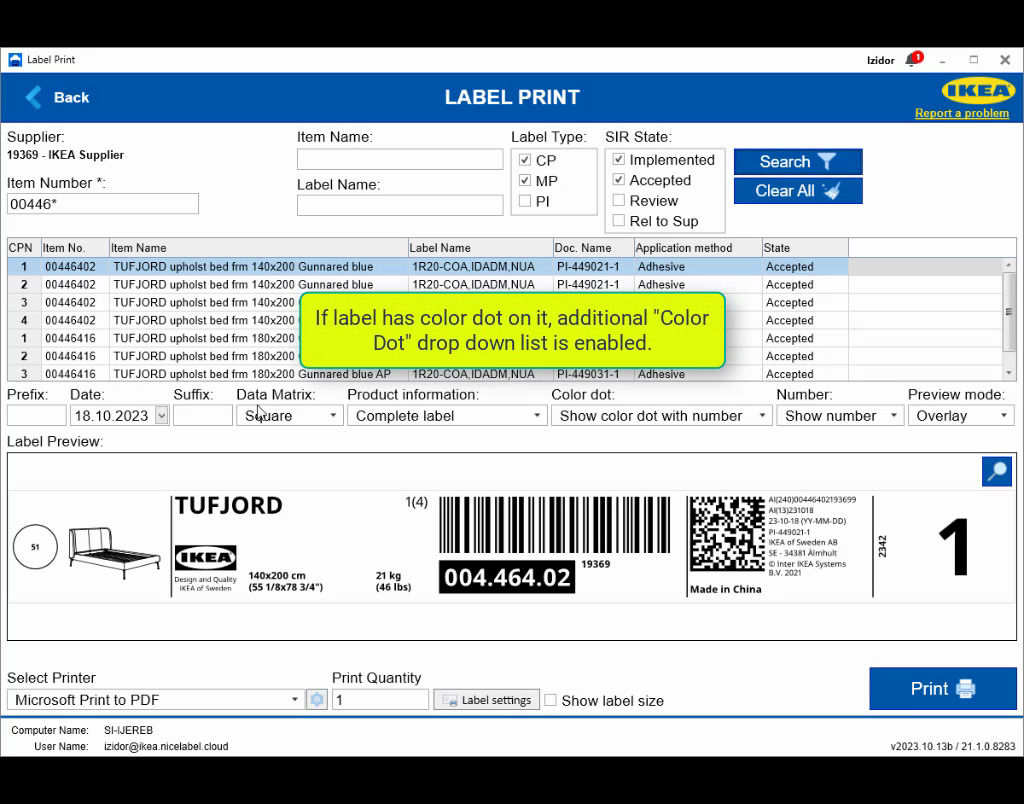
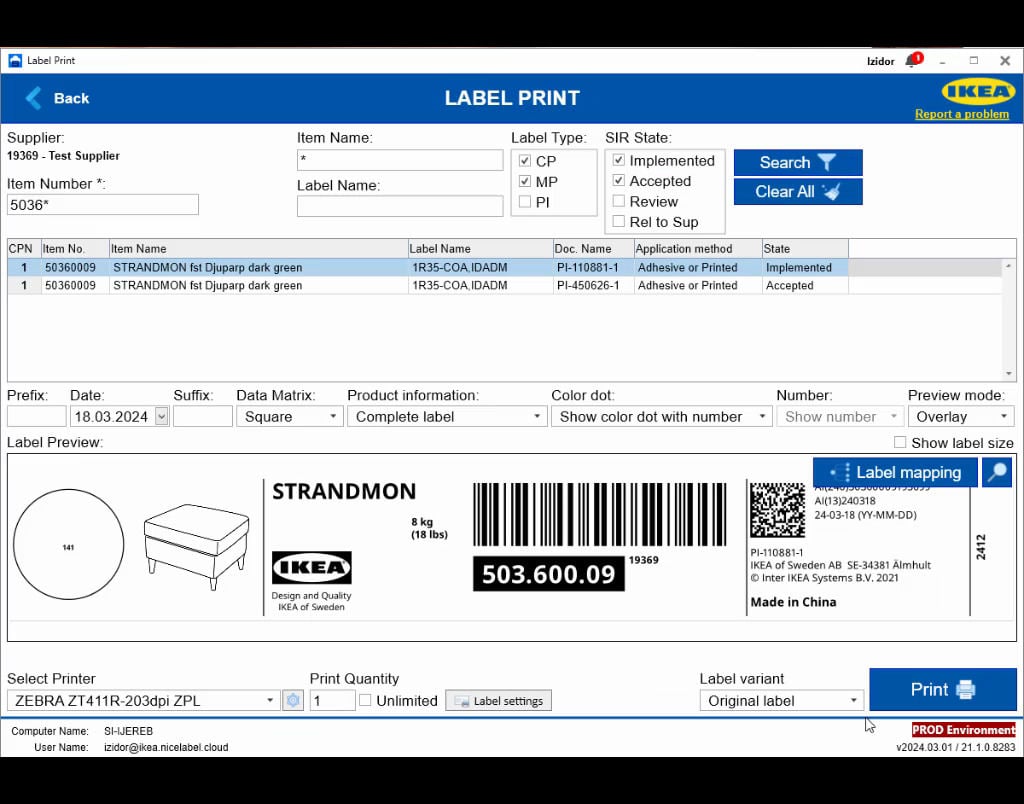
IKEA Print application is the application that provides the GS1 DataMatrix to IKEA suppliers. IKEA Print application runs as the front-end application to NiceLabel Cloud software.
To use IKEA Print Application in Cloud you need two things:
- Internet connection to access Cloud solution
-
https://IKEA.onnicelabel.com (Datacentre in Europe recommended for suppliers located in Europe) or
-
https://IKEA-AP.onnicelabel.com (Datacentre in APAC recommended for suppliers located in Asia-Pacific)
-
Installed NiceLabel Web Client
Note: For installation of NiceLabel Web Client please follow the steps explained in Supplier user manual section NiceLabel Web Client installation.
Note: For login use the account information provided by IKEA.
Before you can print labels, you must install the driver for your printer driver. If you use thermal label printer, install NiceLabel drivers for your printer. You can download the latest version of the NiceLabel drivers here. If you use laser, inkjet or similar printers then the drivers are provided with the printer.
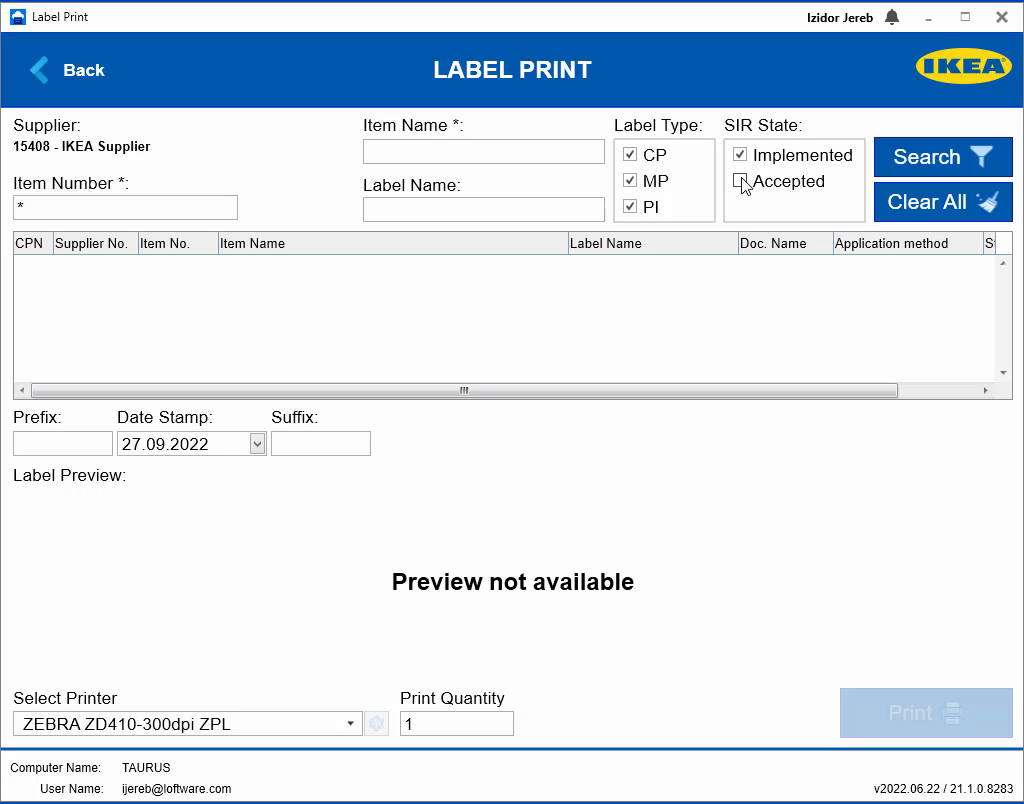
IKEA Print application will let you choose any printer for label printing from the list of installed drivers.
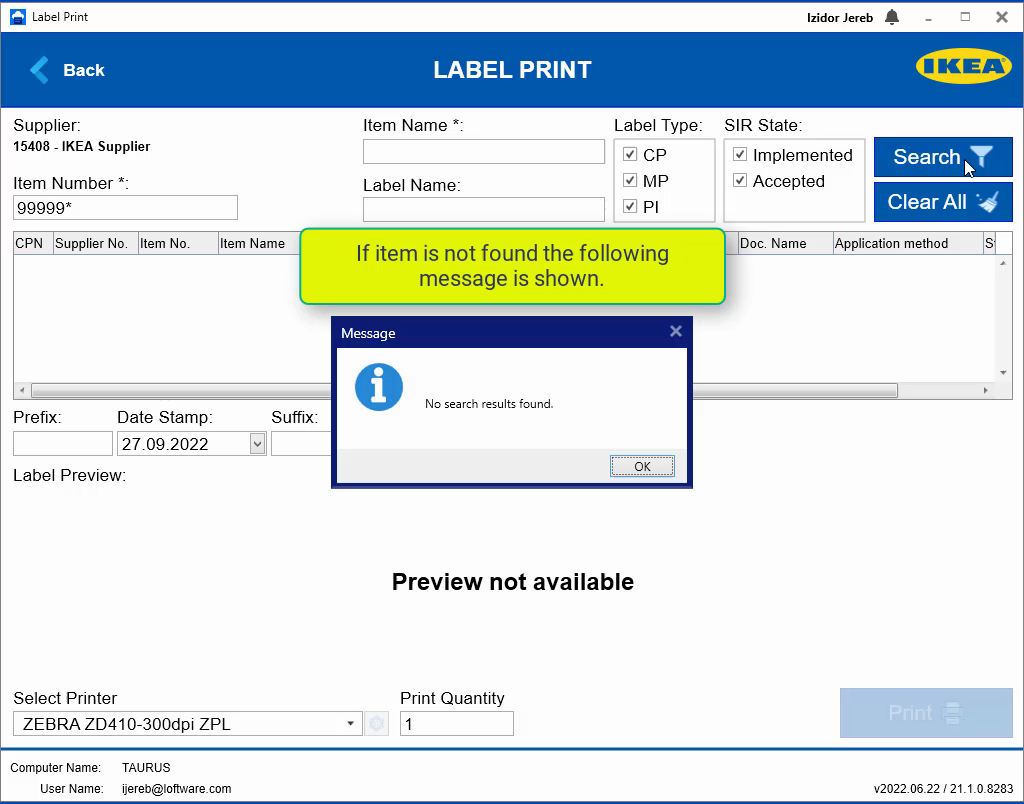
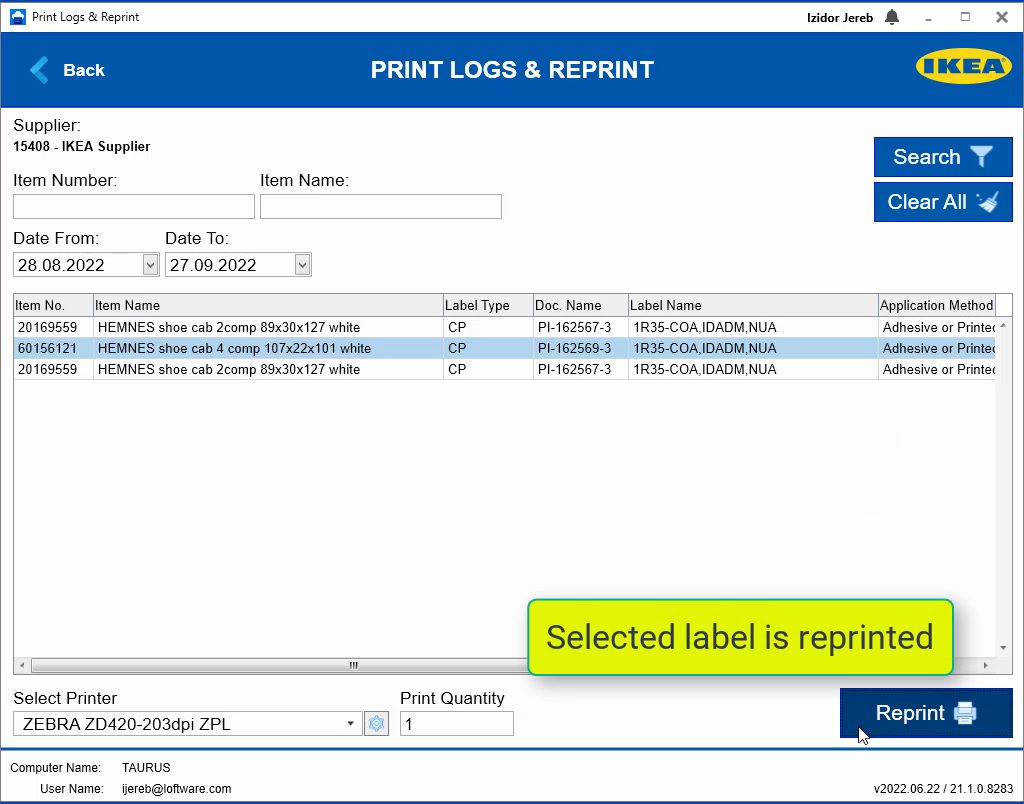
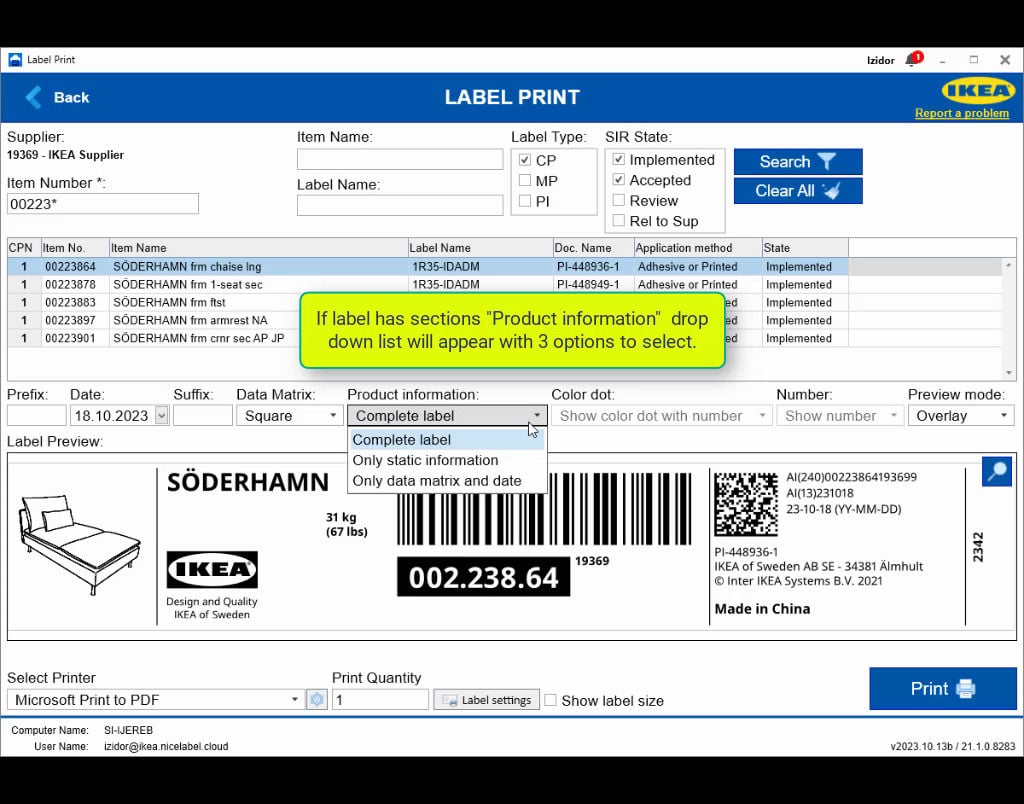
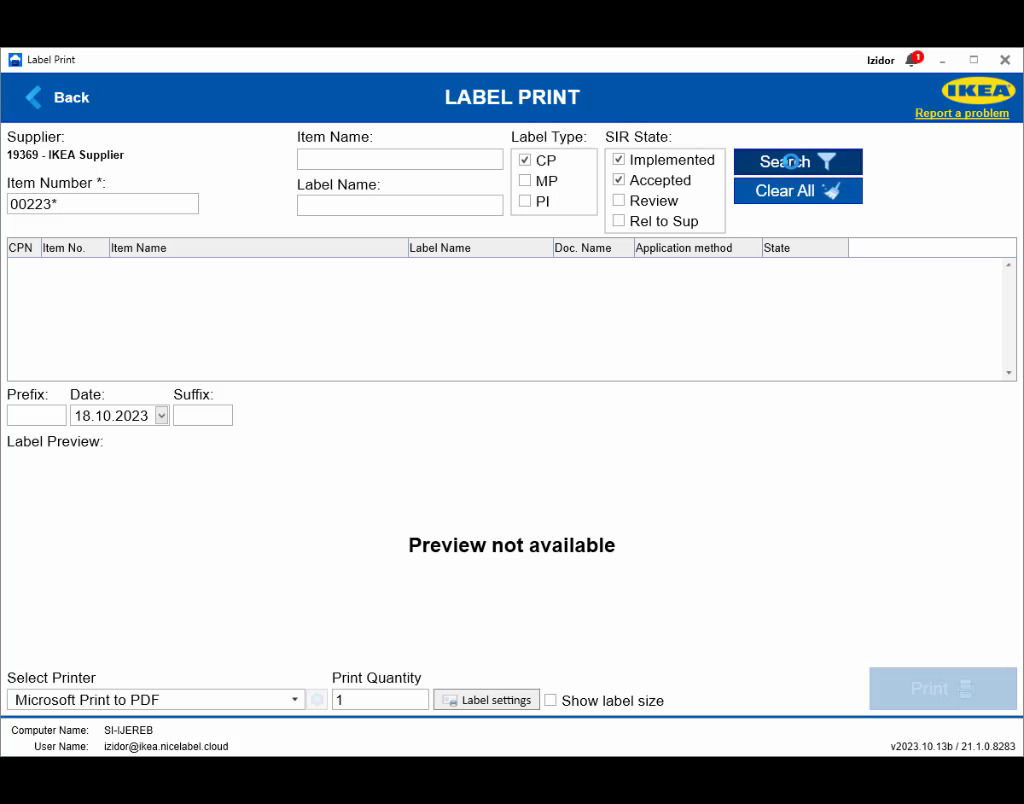
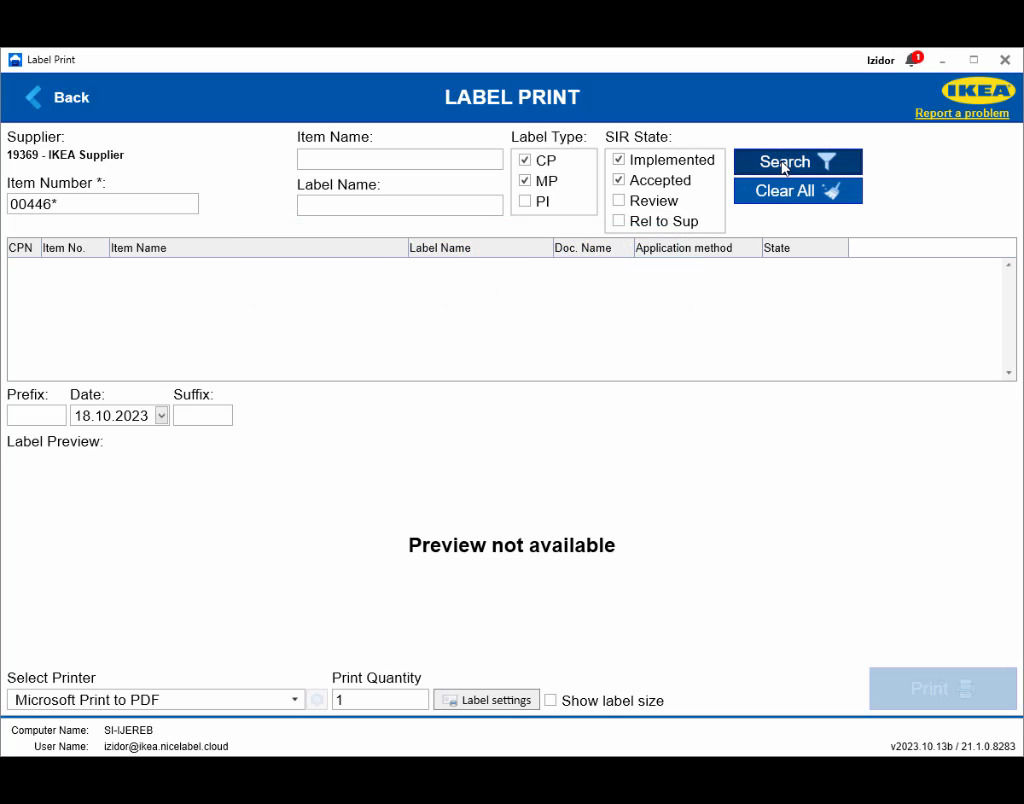
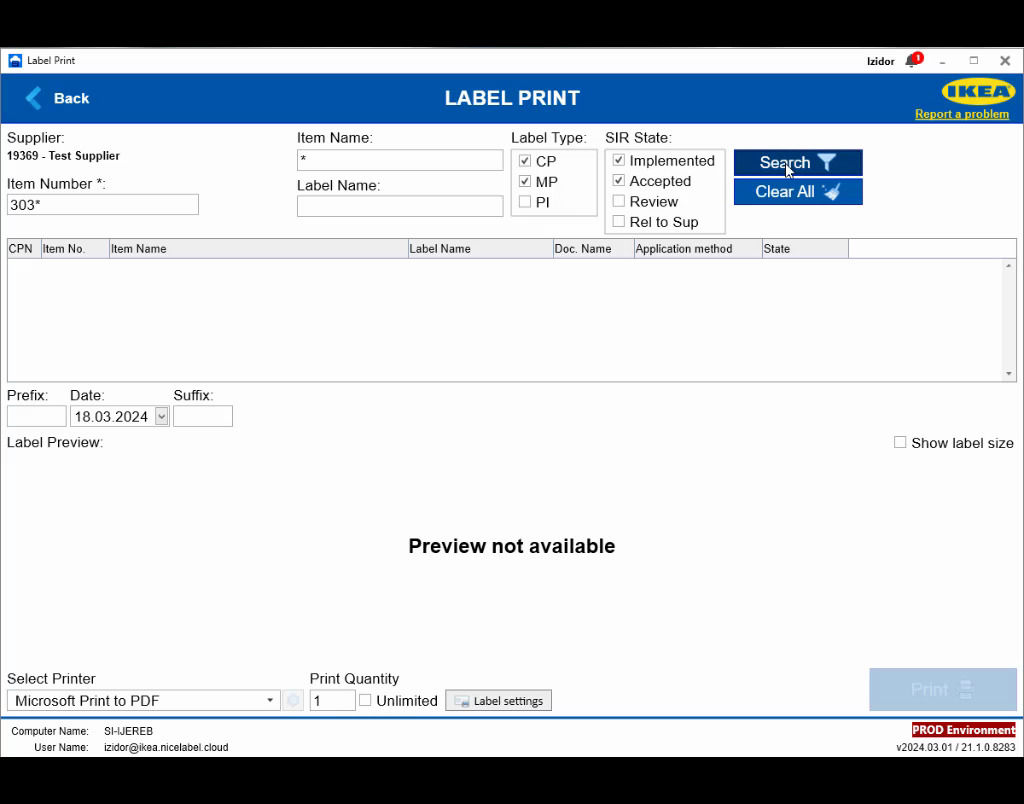
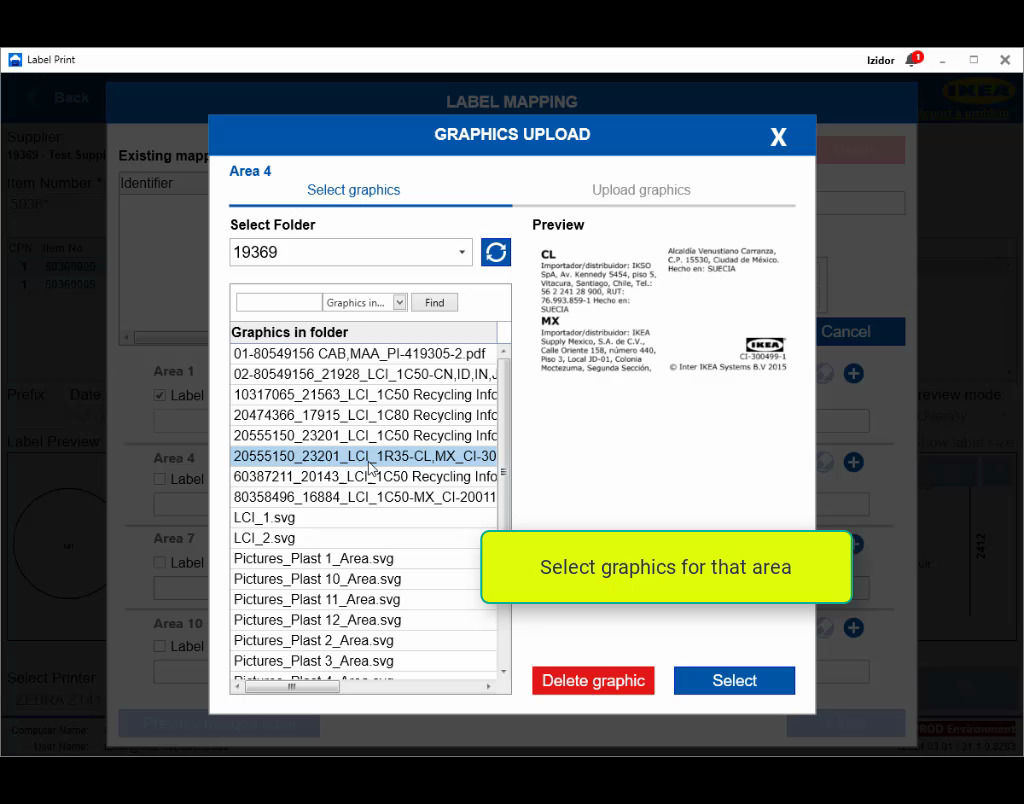
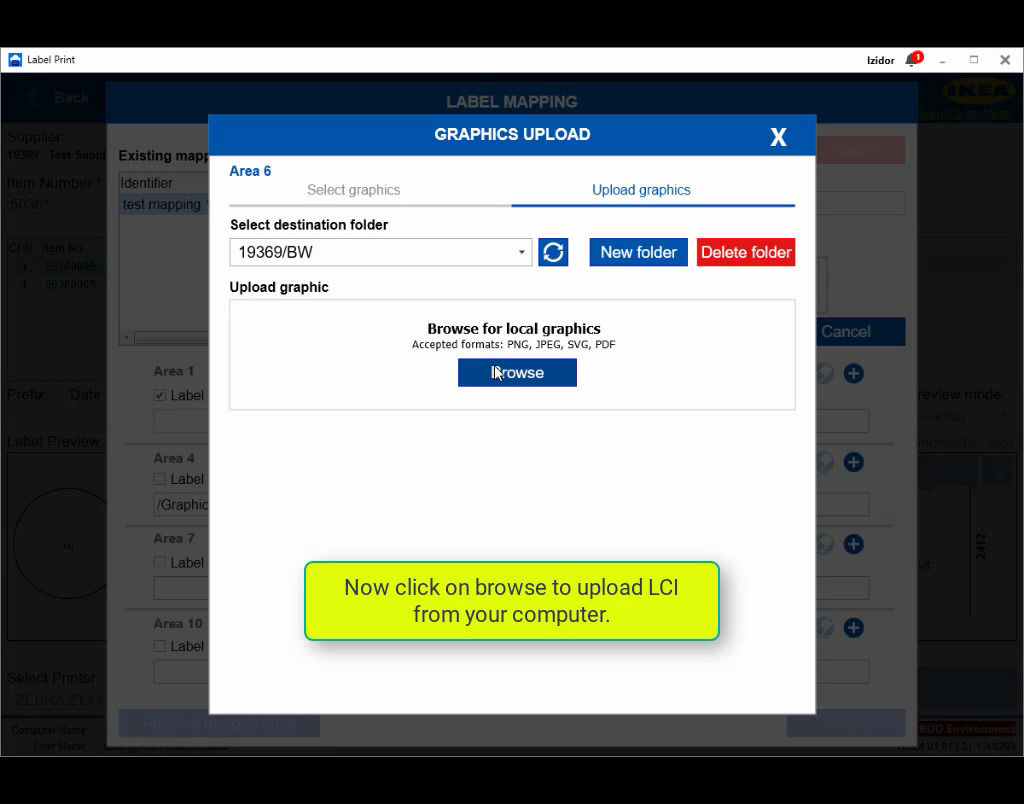
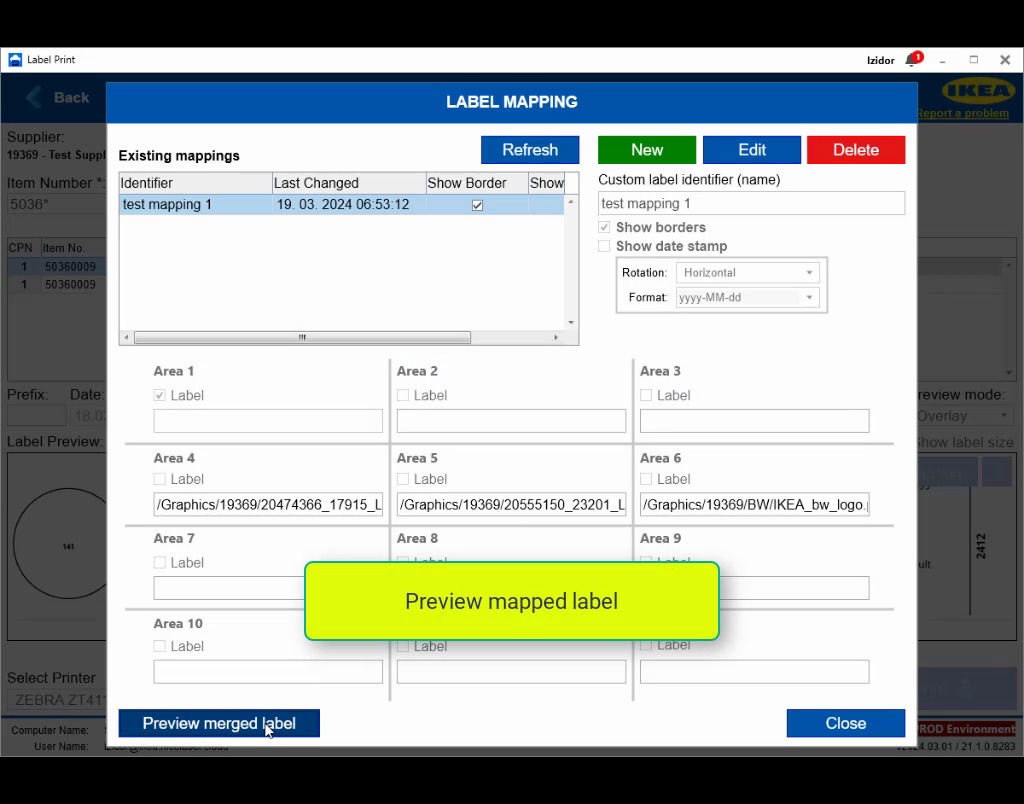
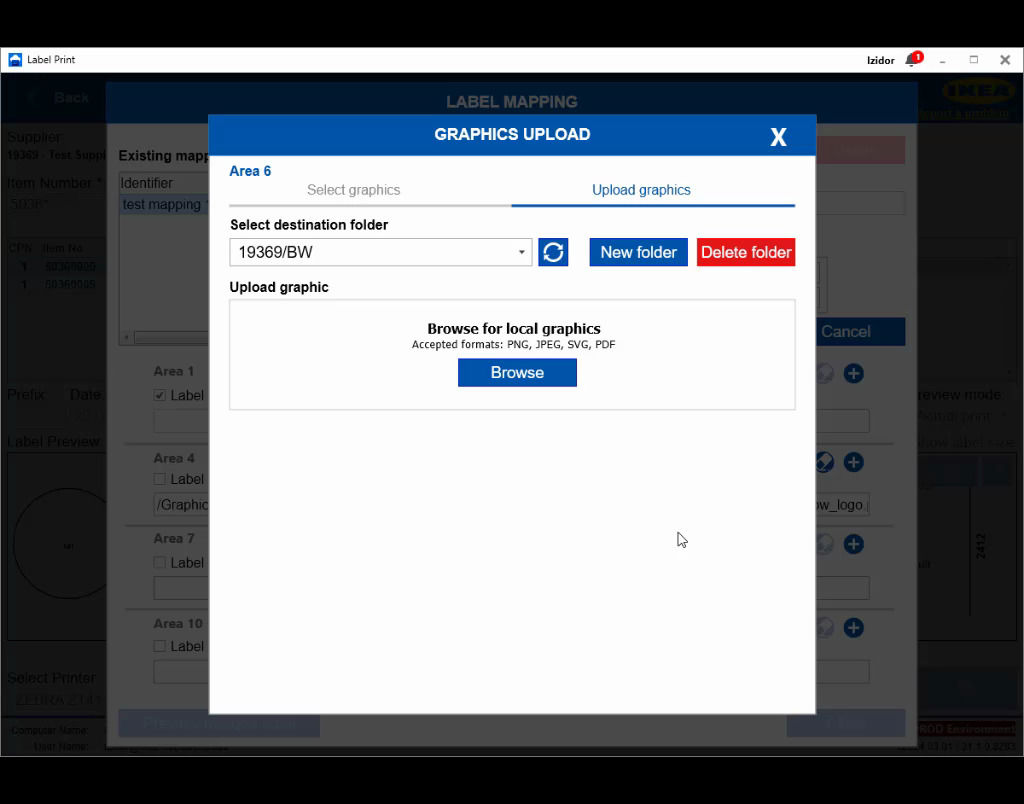
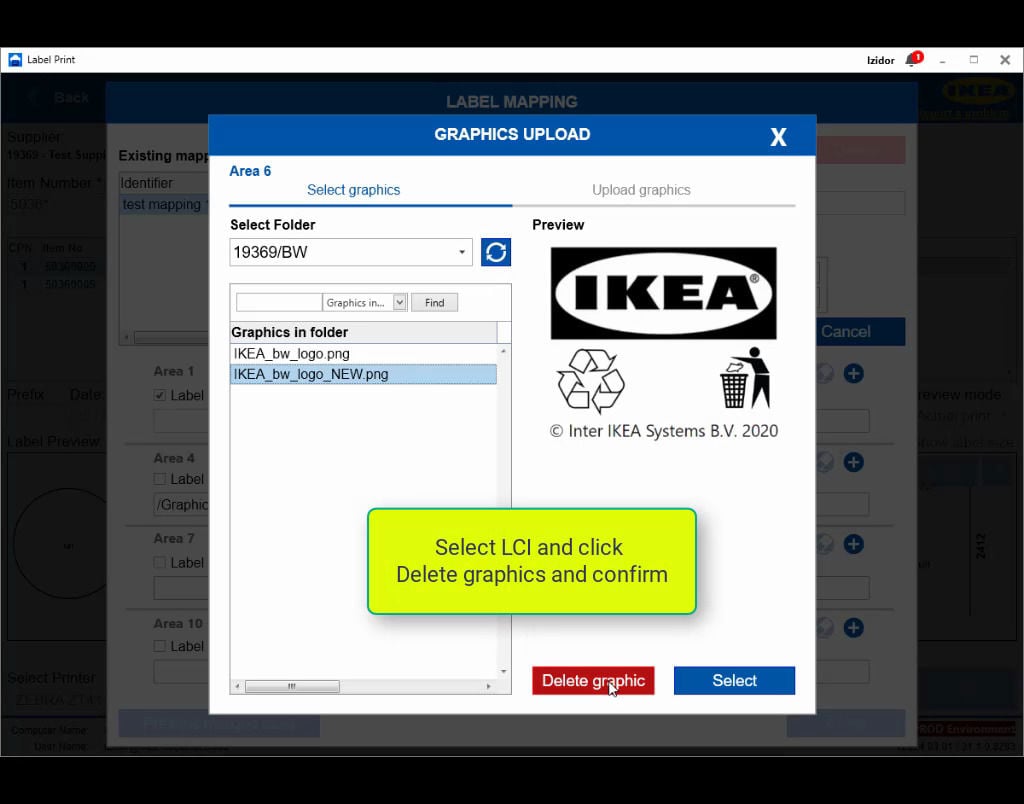
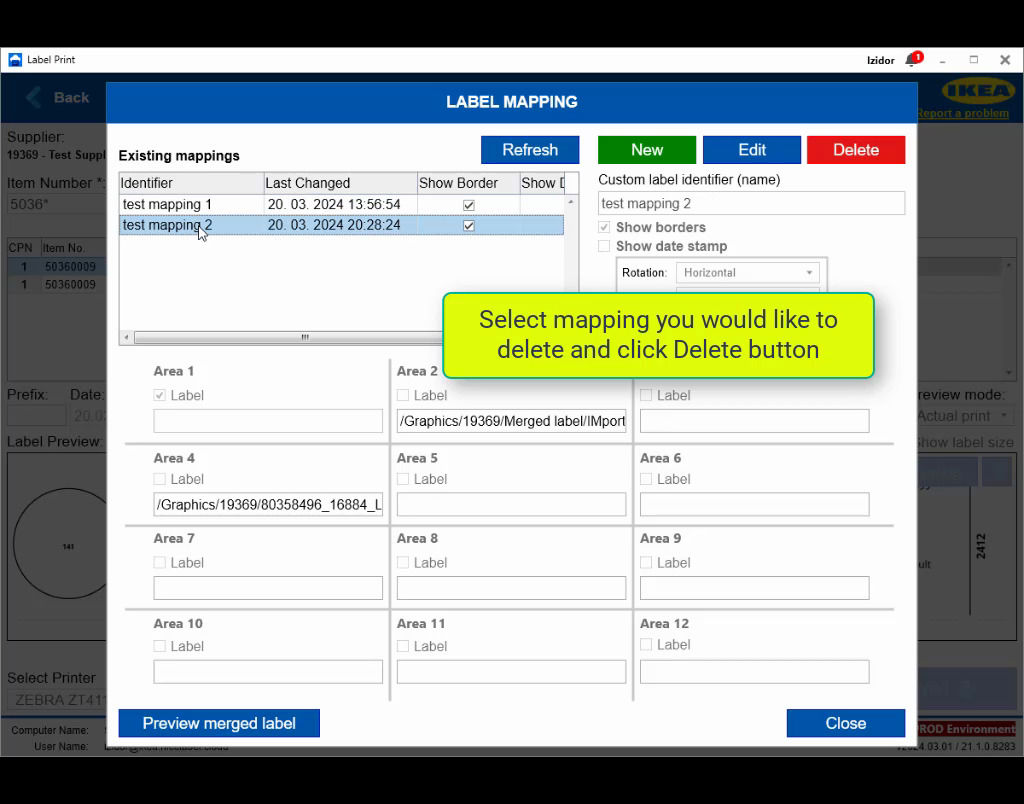
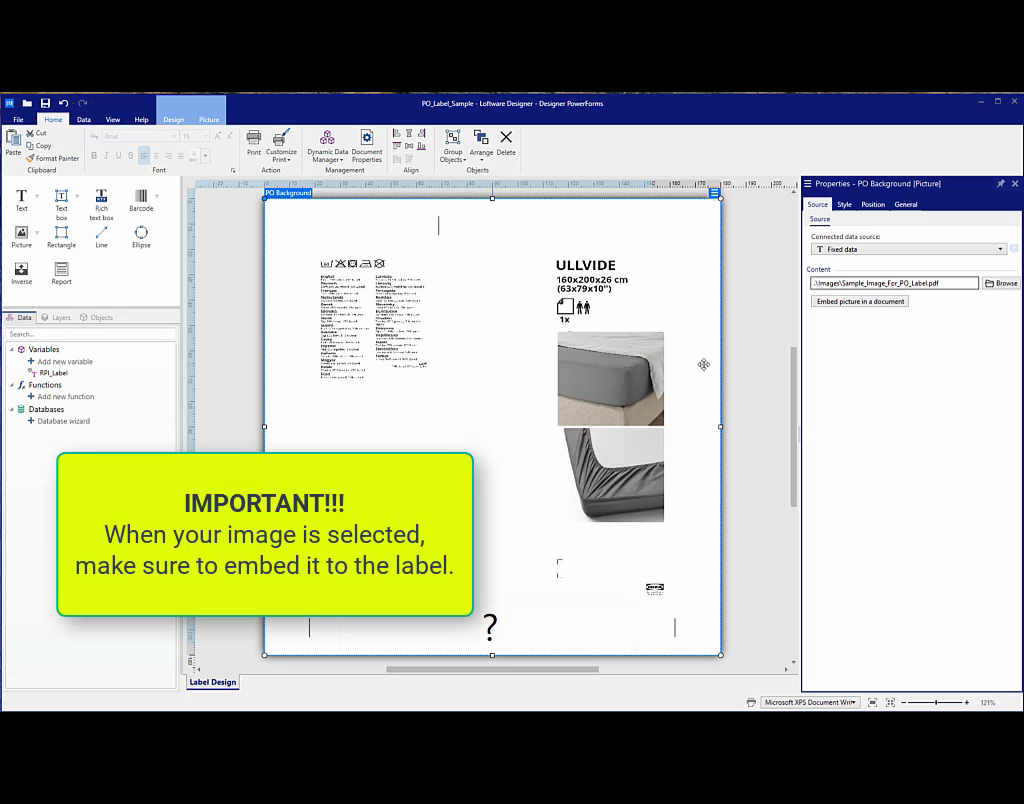
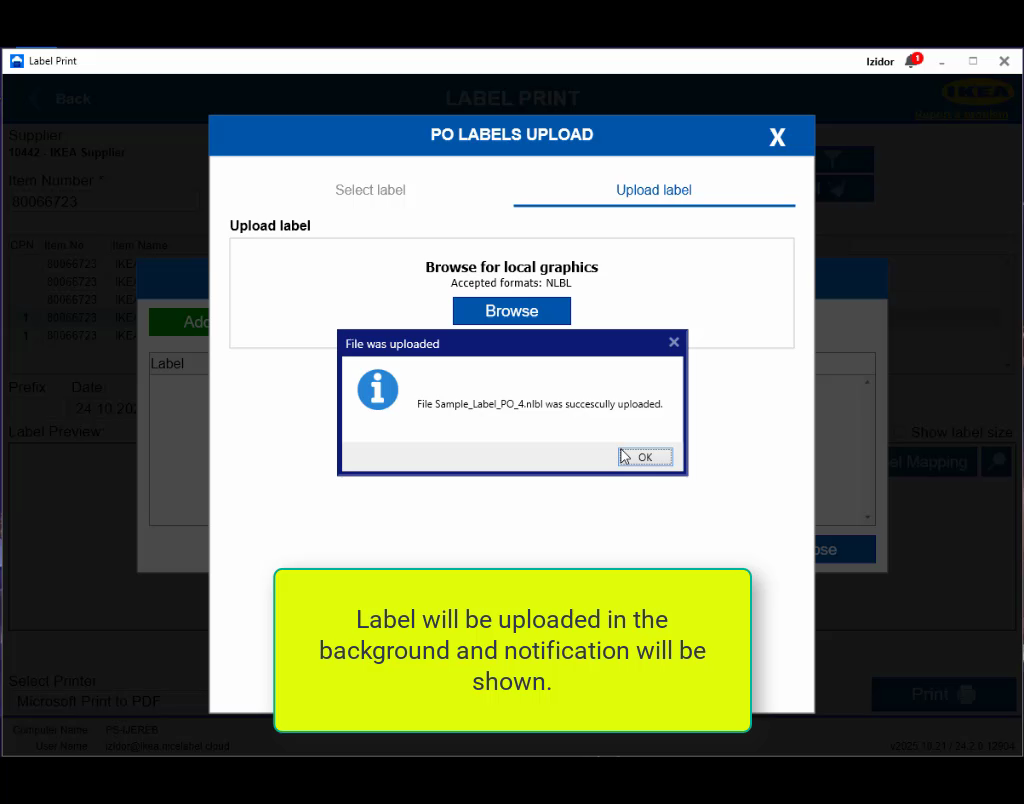
For more details on how to install, set up and use the IKEA Print application see videos below or check Supplier user guide.